

Displai cinematic experience
See one restaurant run on Displai.
Walk from the guest-facing screens to the back of house and see how one platform connects menus, promotions, team communications and store performance.
Scroll to step inside
Displai cinematic experience
See one restaurant run on Displai.
Walk from the guest-facing screens to the back of house and see how one platform connects menus, promotions, team communications and store performance. Shown as stills because reduced motion is on.
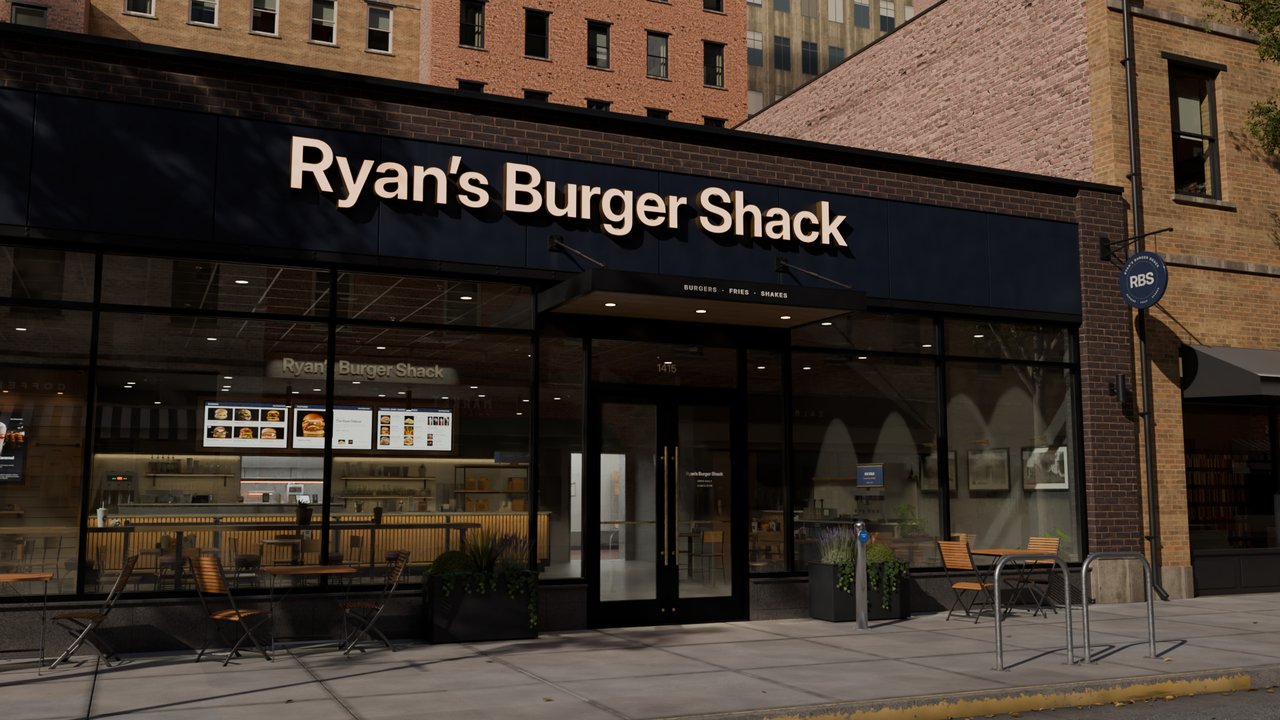 Exterior
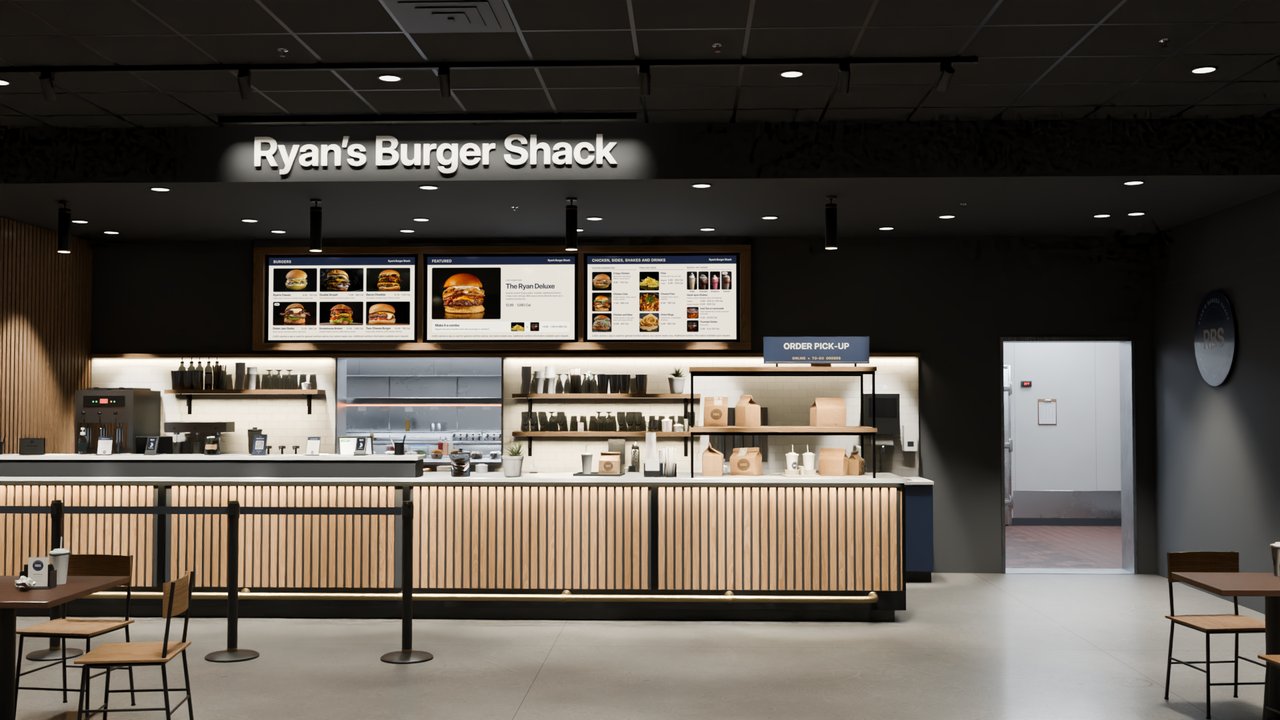 Entrance
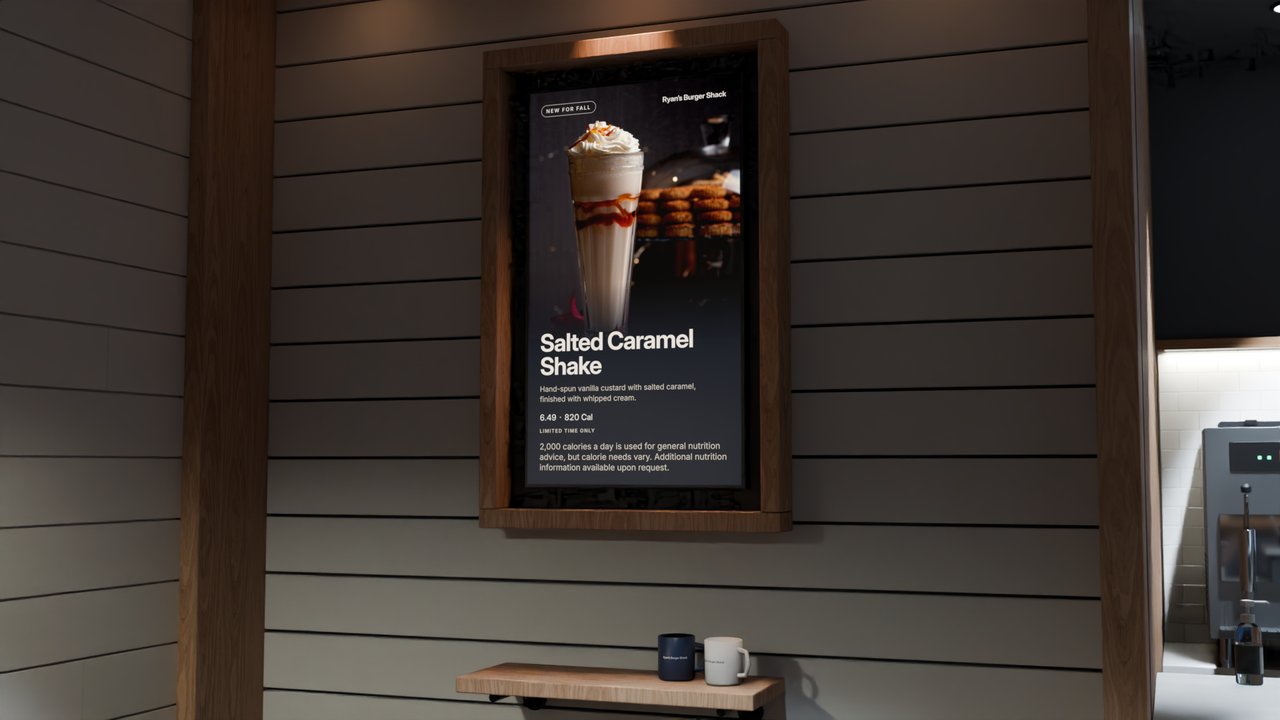 POP & LTO Screens
Run every promotion on time, at every restaurant.
Schedule an LTO once in Displai. It starts and ends automatically at each restaurant, on local time.
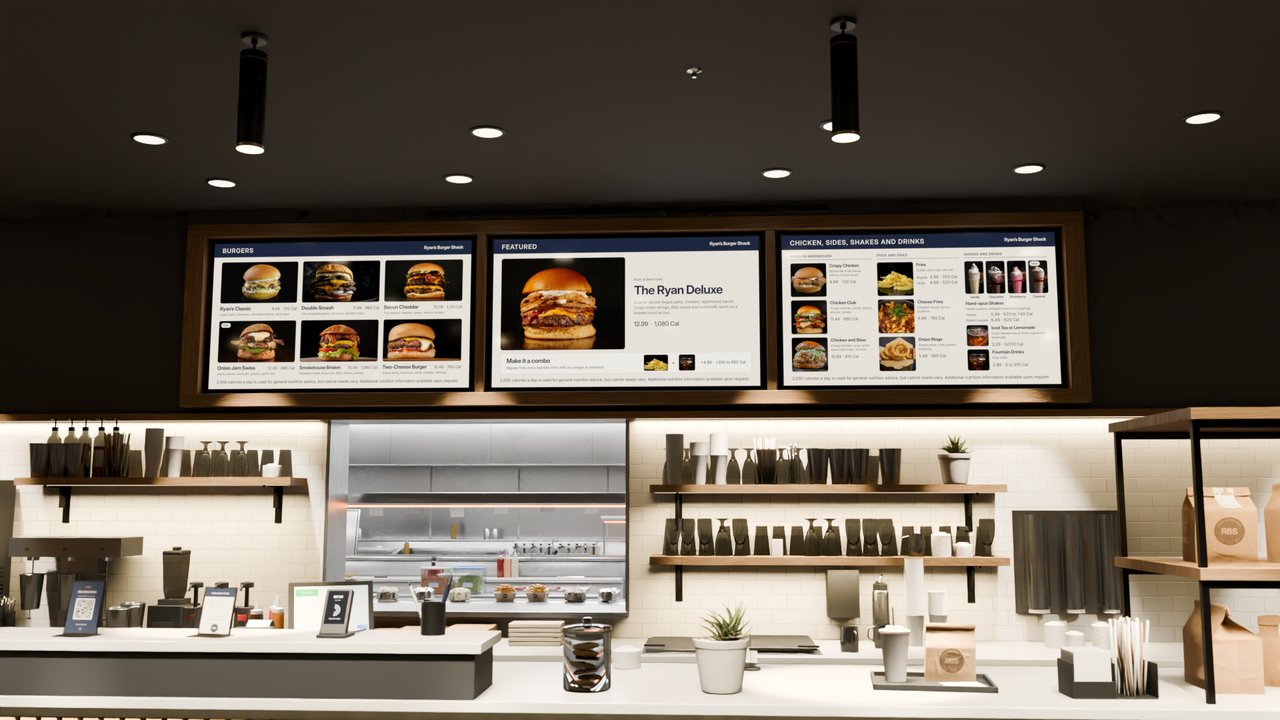 POS-Powered Menu Boards
Design once. Keep every restaurant current.
Design and manage menus in Displai. Each restaurant’s POS keeps prices and item availability current, so guests see what they can order and what it costs.
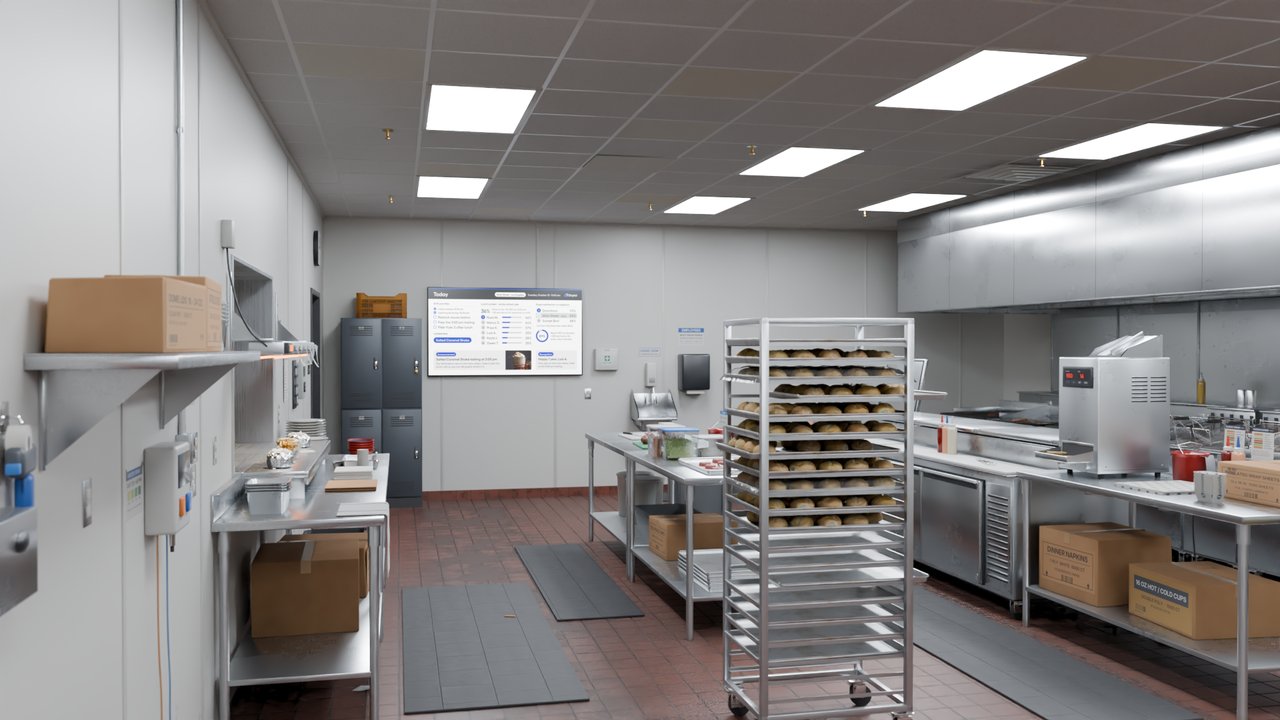 Kitchen
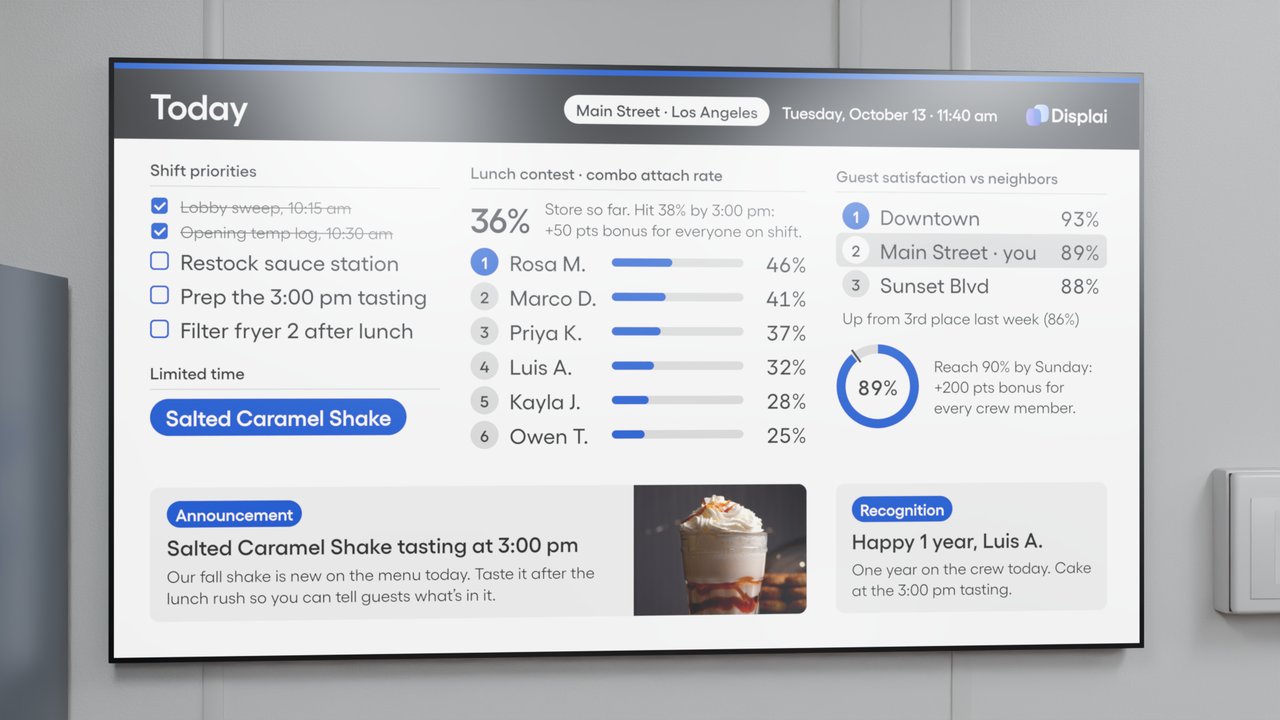 Employee Communications
Replace the back-room whiteboard.
Publish priorities, LTOs, specials and announcements to every restaurant. Managers can add the local notes their teams need.
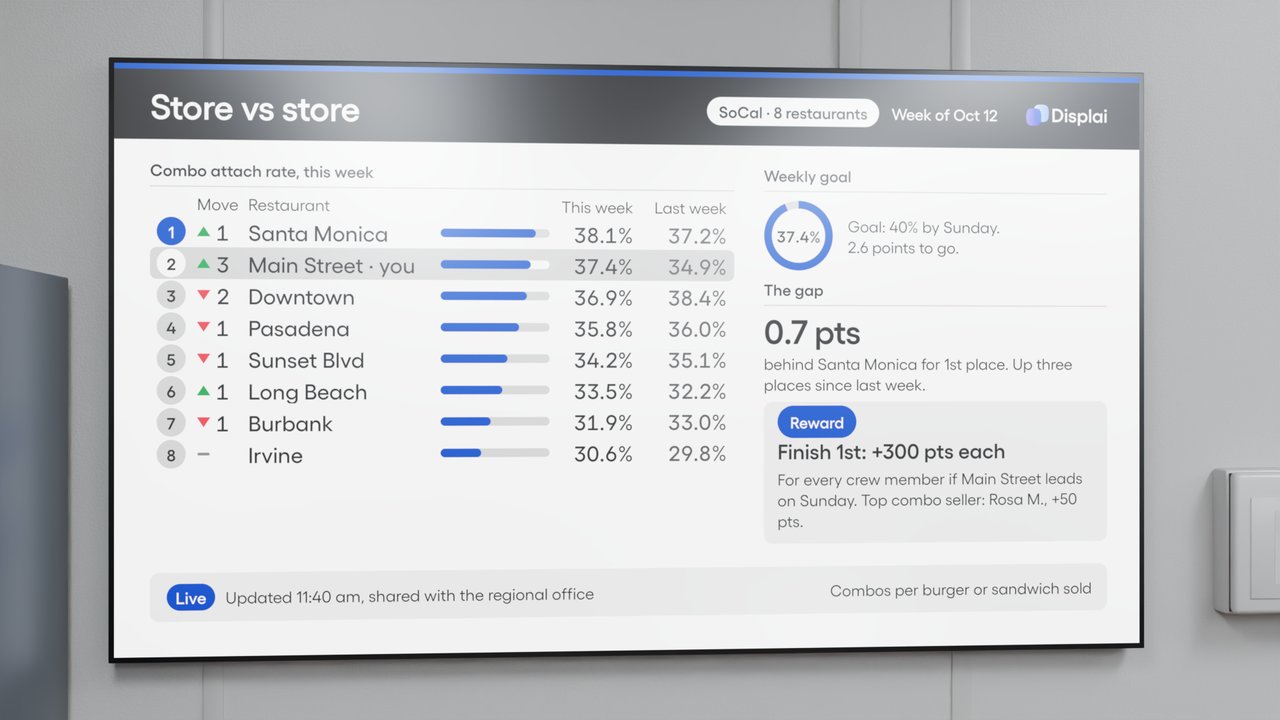 Store vs. Store
Turn store vs. store into a game.
Choose the goal. Each restaurant sees its rank, progress and path to first place, and wins are recognized where the whole team can see them. Automatic scoring from your POS is built with you.
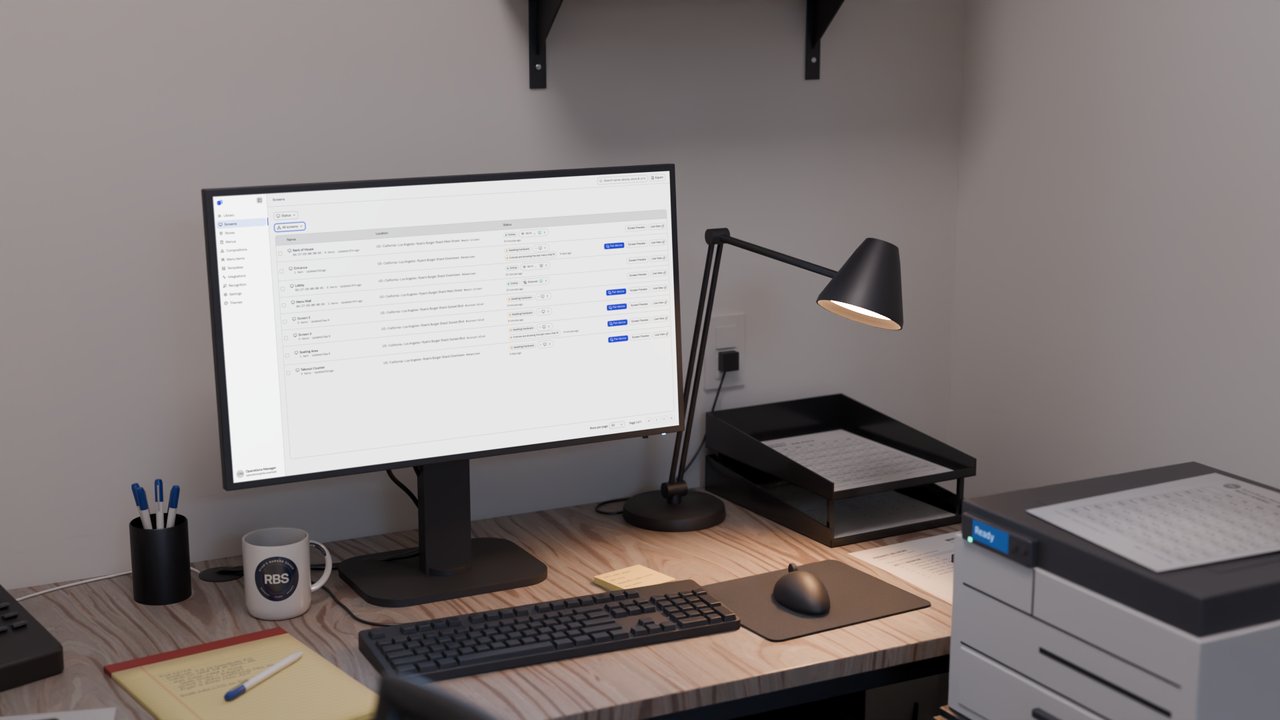 Displai Dashboard
One place to run every restaurant screen.
Manage menus, promotions, communications and schedules in one place, and give each team access to only the screens it runs.

Connected enterprise displays
Your business runs on data. Your screens should too.
A first meeting is 30 minutes with our team.